
FocusReader field guide
Save web quotes without losing the source.
A copied sentence is easy to collect and surprisingly hard to trust later. A useful quote note keeps the exact wording and a short path back to the original page.
Why isolated snippets become a problem
When research moves quickly, it is tempting to paste a useful line into a blank note and continue. That works until the line enters a draft, report, or newsletter and needs to be checked. Search results have changed, the article title was never recorded, or several tabs from the same domain now look identical.
The fix is not a larger note-taking system. It is a better capture habit: keep the source context at the same moment you keep the words.
The minimum source record
For a quote collected from a public web article, preserve these six fields:
- The exact selected text, without silent rewriting.
- The page title that identified the source when you read it.
- The original URL so the passage can be checked again.
- The domain, useful for scanning and grouping related sources.
- The timestamp, which records when the page was captured.
- An optional category for the project, argument, or draft it supports.
Source context helps you return to evidence. It does not prove that a source is correct, replace fact-checking, or generate a formal citation.
A repeatable three-step workflow
- Read the article in context. Understand the paragraph before extracting a sentence. Reader mode can make long editorial pages easier to inspect without changing the original source.
- Capture the exact wording. Select only the passage you may reuse, then save it together with the page context.
- Export before drafting. Move the resulting source-backed notes into a Markdown file, then decide what belongs in your work.
This keeps collection fast while leaving verification possible. It also avoids building a permanent archive inside a tool that makes export difficult.
How to save a web quote with its source URL
- Select the exact passage. On the original article, right-click the selection and choose Save to FocusReader.
- Check the saved entry. Open FocusReader from the Chrome toolbar. Confirm the passage, page title and source URL before leaving the article.
- Export when you are ready to draft. Choose Export Markdown in the popup and open the downloaded file in your text editor.
- Return to the source. Open or copy the saved URL into your browser and check the surrounding paragraph before reusing the quote.
FocusReader exports your saved quotes, not the whole article. Export is manual; it does not generate a formal citation or sync with Obsidian, Notion or another reading platform.
A dated test, with the original output
What our Store QA export contains
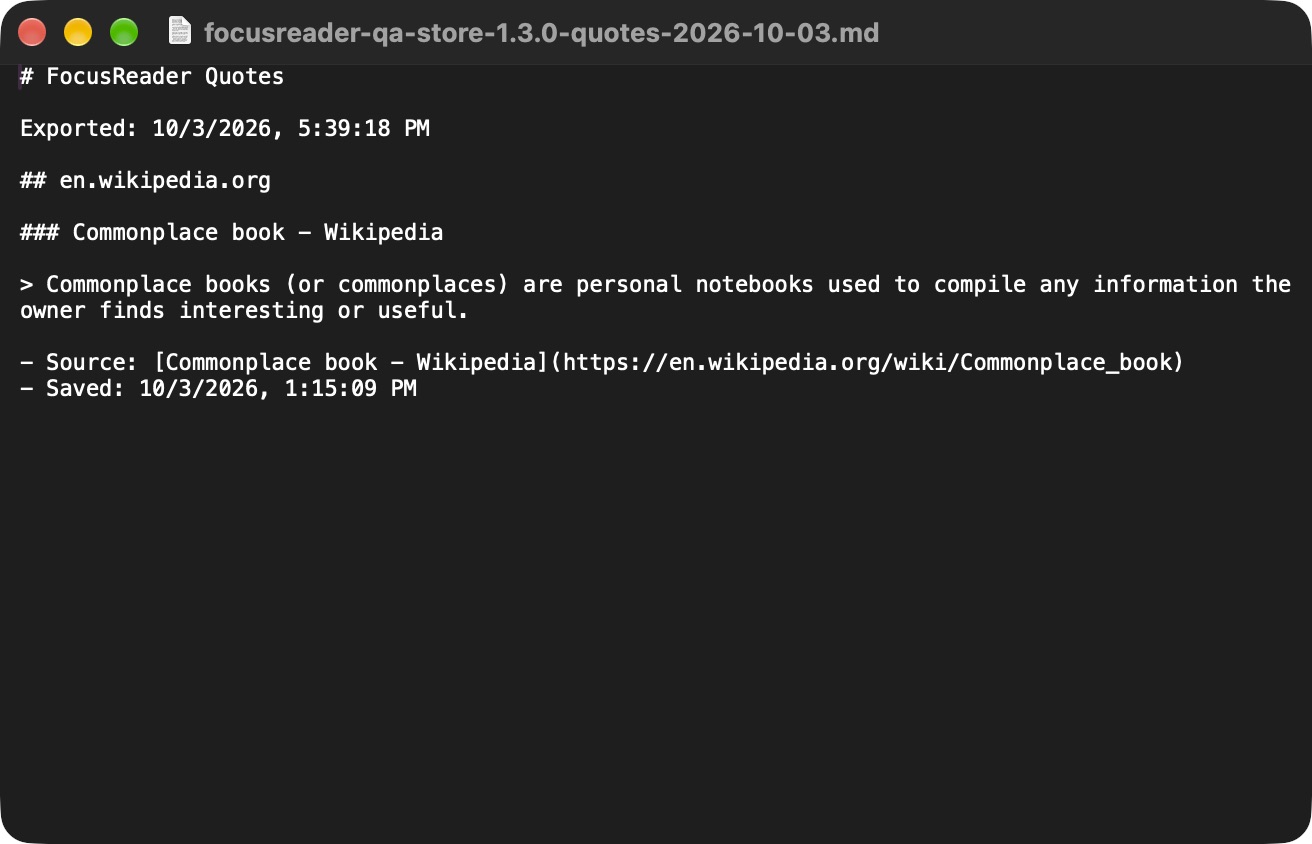
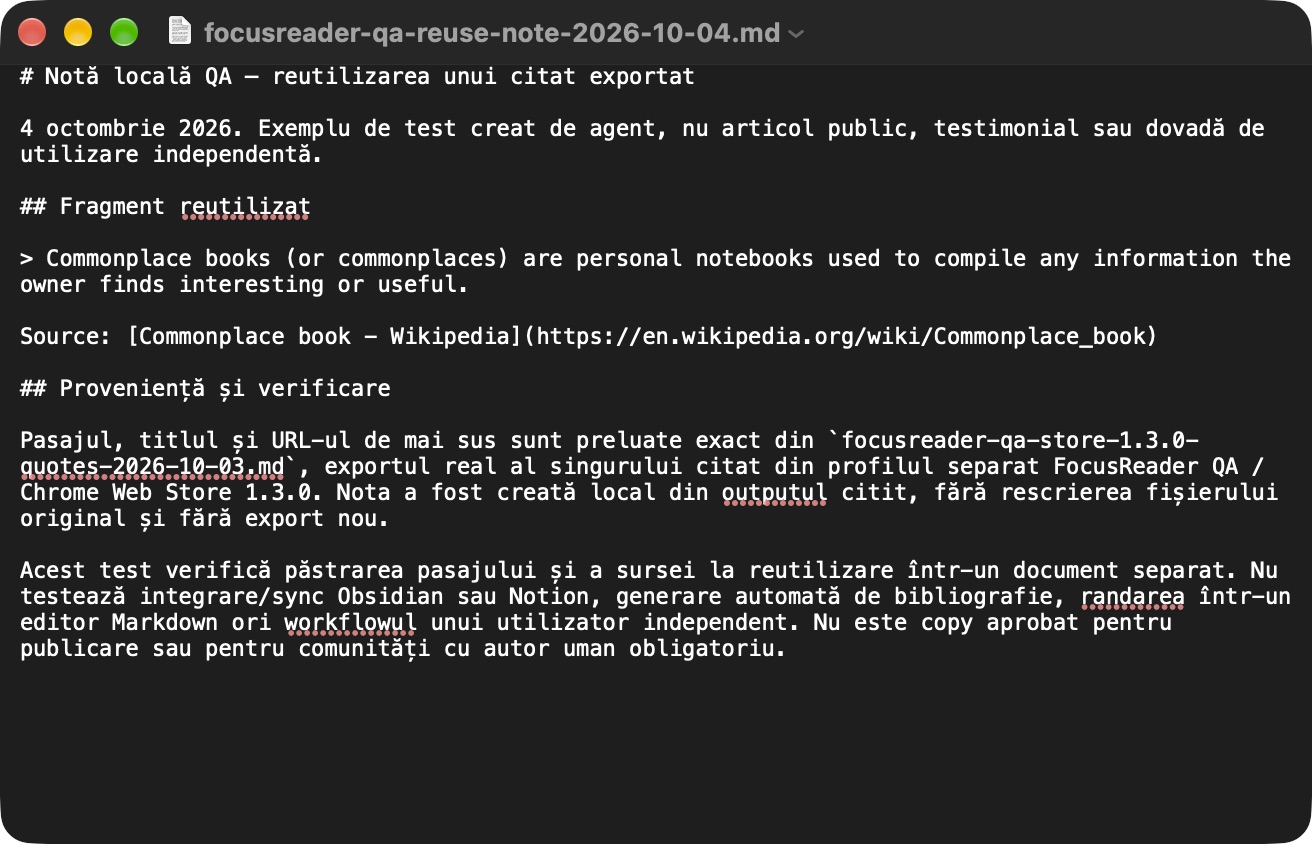
In a separate, signed-out Chrome profile, we used the official Store version 1.3.0 to save one passage from Wikipedia's Commonplace book article and export it manually. The text below is the complete, unchanged file from October 3, 2026.
# FocusReader Quotes

Exported: 10/3/2026, 5:39:18 PM

## en.wikipedia.org

### Commonplace book - Wikipedia

> Commonplace books (or commonplaces) are personal notebooks used to compile any information the owner finds interesting or useful.

- Source: [Commonplace book - Wikipedia](https://en.wikipedia.org/wiki/Commonplace_book)
- Saved: 10/3/2026, 1:15:09 PM
Download the unchanged QA Markdown export.
The displayed saved and exported times are preserved as written by the extension. This test does not measure completion time, reader extraction or PRO activation, and it is not evidence of customer adoption or sales.
For a short visual overview, see the illustrative FocusReader demo and its separate Store QA evidence.
How FocusReader supports the habit
FocusReader combines a Readability-powered article view with selected-text saving. The quote library lives in Chrome local storage, can be grouped by domain or custom category, and exports as Markdown. The extension does not measure the articles you open or the text you save.
The free tier includes 10 saved quotes. FocusReader PRO removes that local limit for a one-time $9.99 total, with applicable taxes included.
Choose the right capture tool
Before building a larger library, use the source-first quote-saver checklist. If you are still deciding what kind of browser tool fits, compare a quote saver, persistent highlighter, and page clipper.