Quote, source, Markdown
FocusReader: see the workflow.
A short visual overview, followed by the unchanged output from our own Chrome Web Store test.
Illustrative UI demo. The article, author and quotes in this rendered clip are examples. It is not a live Store screencast or a promise that a task takes 15 seconds.
What the overview illustrates
- Clean reading: an article view without the surrounding page clutter.
- Source-backed capture: an example saved passage with its original page context.
- Portable output: an illustrative Markdown panel, not a file downloaded during this video.
The recorded evidence below is separate. It verifies one passage and a manual export in Store version 1.3.0, not reader extraction, checkout or PRO activation.
Our own isolated QA, not a customer testimonial
One passage. An unchanged export.
On October 3, 2026, we saved one passage from Wikipedia's Commonplace book article using the official Chrome Web Store version 1.3.0 in a separate, signed-out QA profile. We manually exported the library, then opened the original file in TextEdit on October 4.
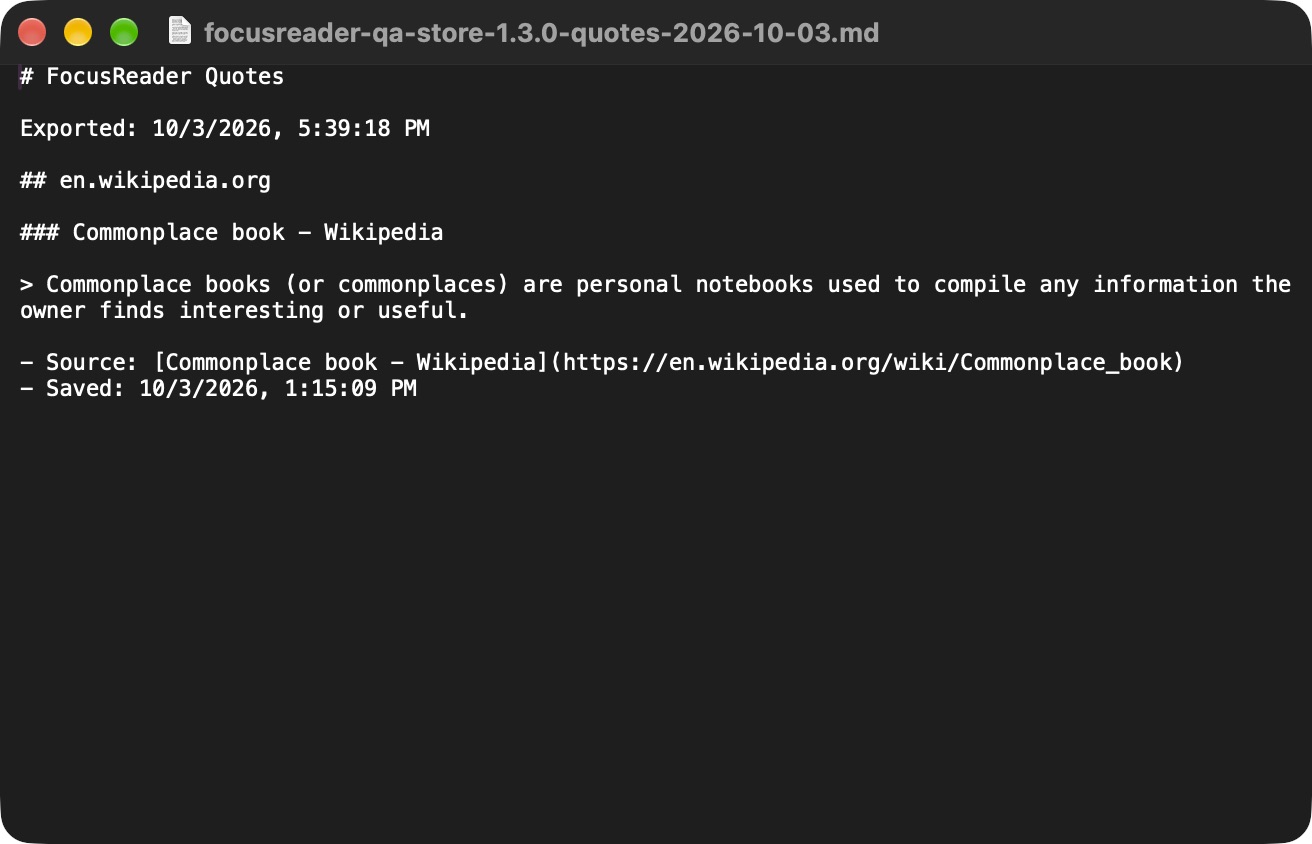
Download the unchanged QA Markdown export, or read its complete contents in the guide.
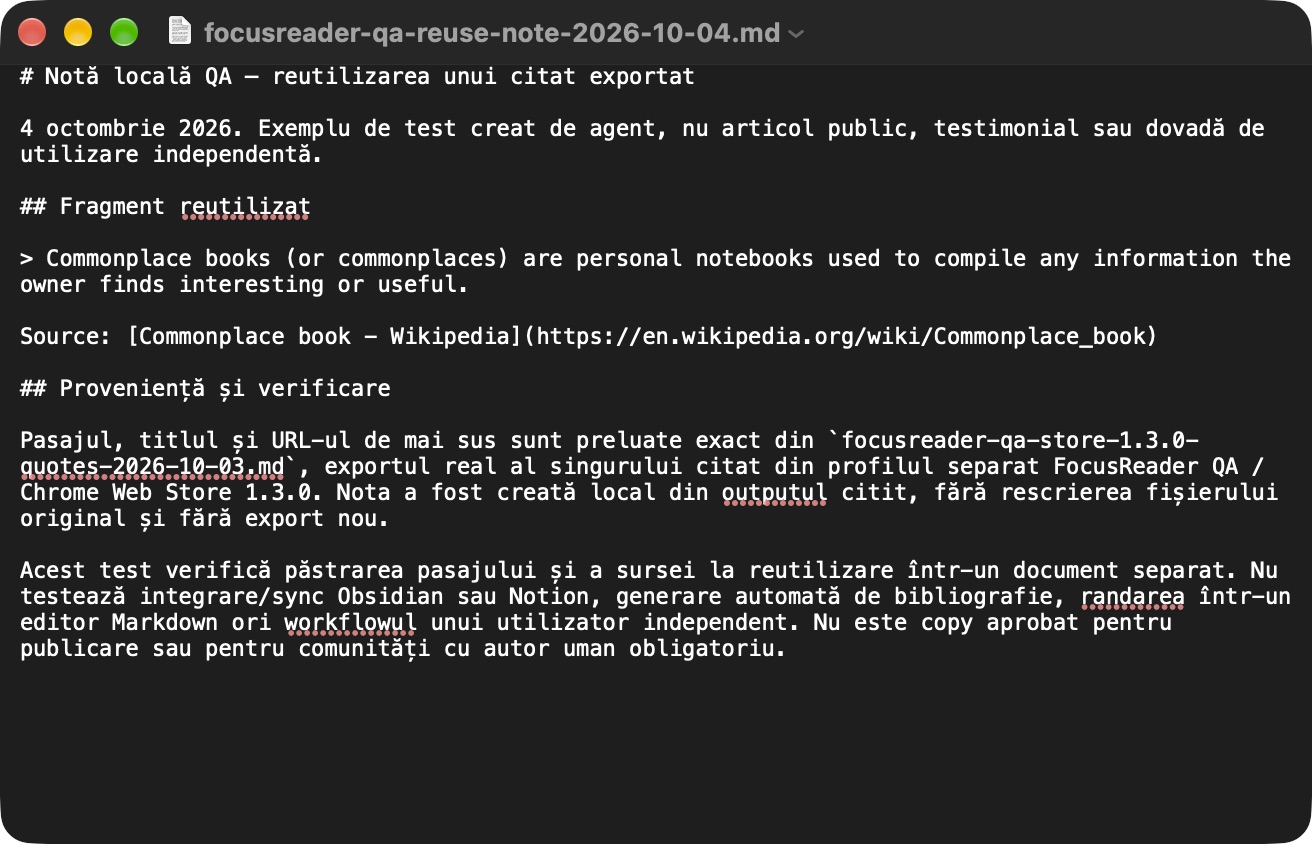
This narrow test is workflow evidence, not proof of adoption, sales or results on every website. The timestamps remain as written by the extension; the capture and export were separated by an interruption.
Try the workflow in Chrome
Read an article, select a passage, right-click Save to FocusReader, then choose Export Markdown in the popup. Before reusing the passage, return to its source URL and check the context.
The reader and up to 10 saved quotes are free, including manual Markdown export. FocusReader PRO unlocks unlimited local saves for a one-time $9.99 total, with applicable taxes included and no subscription.
FocusReader does not generate formal citations, convert whole pages to Markdown, annotate PDFs or sync the quote library with another service.